Plan your press release distribution
Review your announcement, target markets and release date. Discuss package scope, publication requirements and how you’ll receive the distribution report.
Explore distributionGet a product walkthrough built around your announcement. Explore our PR tools, review distribution examples and discuss a plan for your brand or clients.
Explore the platform, ask questions and discuss the scope before deciding what your team needs.
Review published placement examples and how distribution results are reported. Discuss the outlets and markets relevant to your announcement.
Talk through your release, target audience, publication timing and reporting requirements with our team.
Prefer to explore on your own?
Explore the AI PR toolkitTell us what you want to achieve. We’ll use your request to tailor the walkthrough and arrange a time with your team.
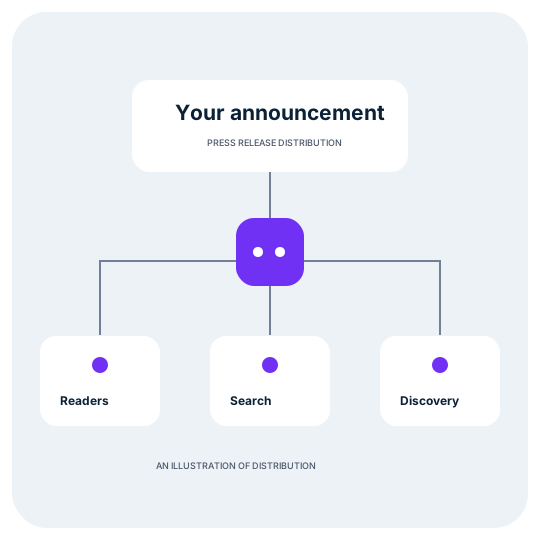 Illustrative workflow
Whether you need to publish one announcement or support ongoing client campaigns, we’ll focus on the parts of Press AI that fit your work.
Start with distribution or explore the broader toolkit. Tell us your priority when you request the demo.
Review your announcement, target markets and release date. Discuss package scope, publication requirements and how you’ll receive the distribution report.
Explore distributionSee how media research, contact selection and PR CRM fit together. Discuss how your team keeps journalist relationships organised across campaigns.
Explore media researchWalk through preparing an announcement and using AI to draft a release or pitch. Review where your team checks facts, approves quotes and edits the final copy.
Explore AI writingExplore media rooms, WordPress publishing and AI visibility tracking. Discuss the buyer questions you want to assess and how to interpret the results.
Explore AI visibilityYou don’t need a finished release or a detailed PR brief. A little context helps us show the right workflow.
Request demoWhat are you announcing, and who needs to hear it? Share the industry, target markets and any priority audiences.
Tell us the planned release date, whether you need writing support and where your company news currently lives.
Bring questions about the toolkit, distribution scope, reporting, WordPress publishing or agency workflows.
We’ll discuss your goals, walk through the relevant Press AI tools and answer your questions. For distribution, bring your announcement, target markets and planned release date so we can discuss a plan.
No. A short description of your announcement is enough to start the conversation. If you have a draft, you can share it with our team when arranging the demo.
Yes. Tell us that you work with clients and which parts of your workflow you want to see: research, writing, media rooms, distribution or AI visibility tracking.
No commitment is required to request a demo. Use the conversation to assess the tools and discuss scope before deciding whether to proceed.
The form prepares an email request. Send it to contact@press.ai and our team will arrange and confirm a time. If a calendar booking link is available, you can choose a time directly.
Yes. Let our team know who should join when arranging the demo, along with any questions you want to cover together.
Share your goals and arrange a Press AI walkthrough with our team.